Transform Your Thinking.
Recognize What You Achieve Day by Day!
"I want to see right away
how often I really train."
( Fitness )
"I want to finally recognize
my daily patterns."
( Energy )
"I want to understand why
some days feel better."
( Learning )
"I want to know when
my strongest phases are."
( Productivity )
"I want my goals
clearly in sight."
( Goals )
"I want to celebrate
my daily wins."
( Success )
Transform Your Thinking.
Recognize What You Achieve Day by Day!
What you can use CREATE7 for.
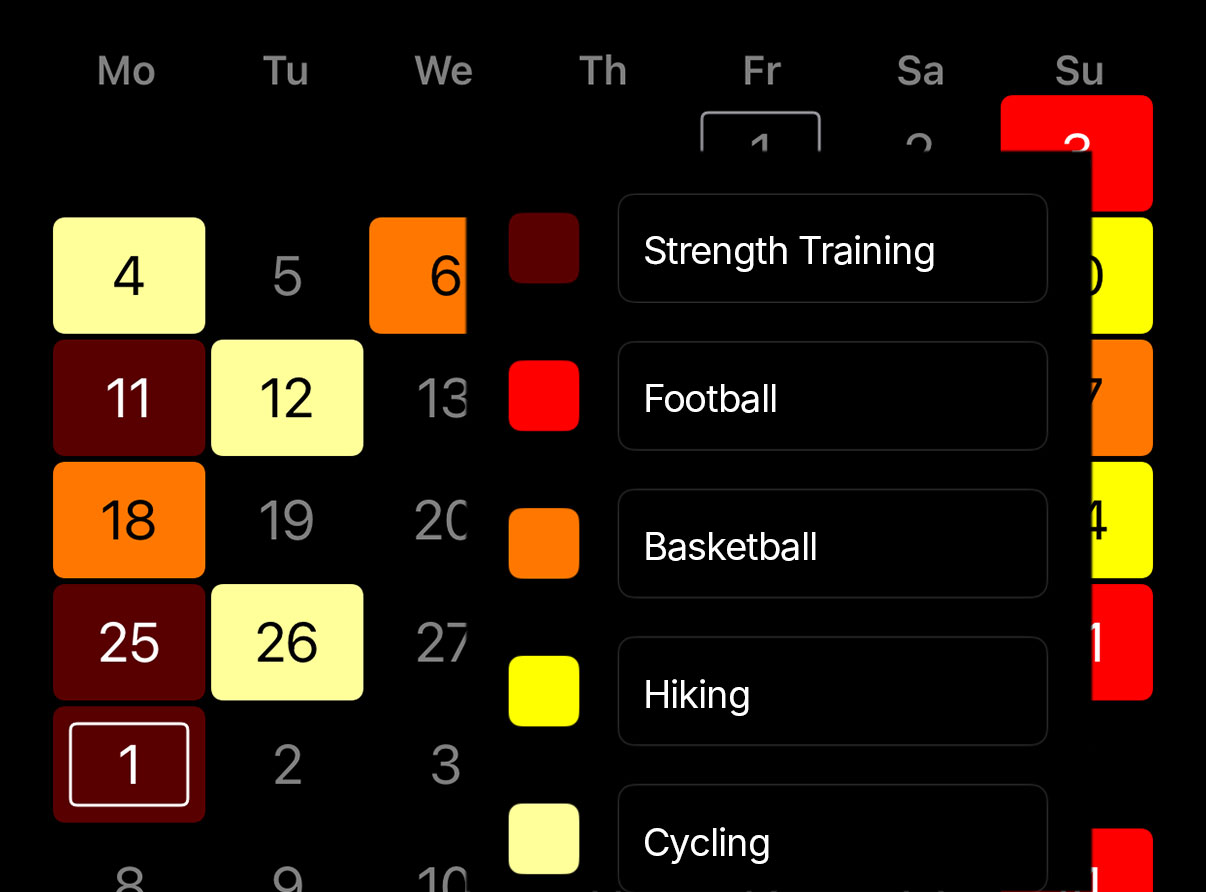
Whether it is working out, stretching or going for a walk, mark each day how and in which way you were active. Over time a clear picture appears. You see immediately how often you succeeded and where you can improve.
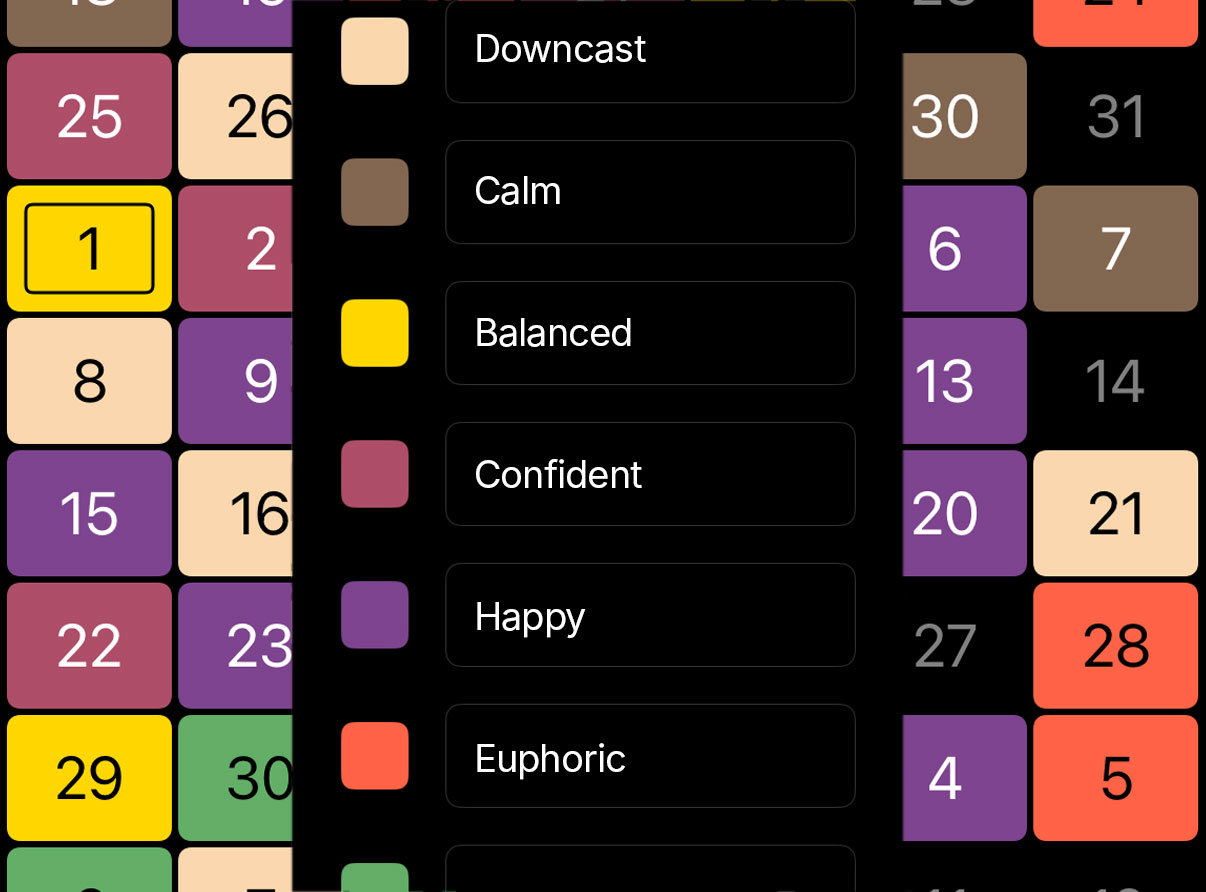
Record each day how you feel. Whether calm, tired, content or tense, colors show how your mood develops. You notice patterns, strong moments and times when you should give yourself more rest. This creates an honest picture of your emotional balance.
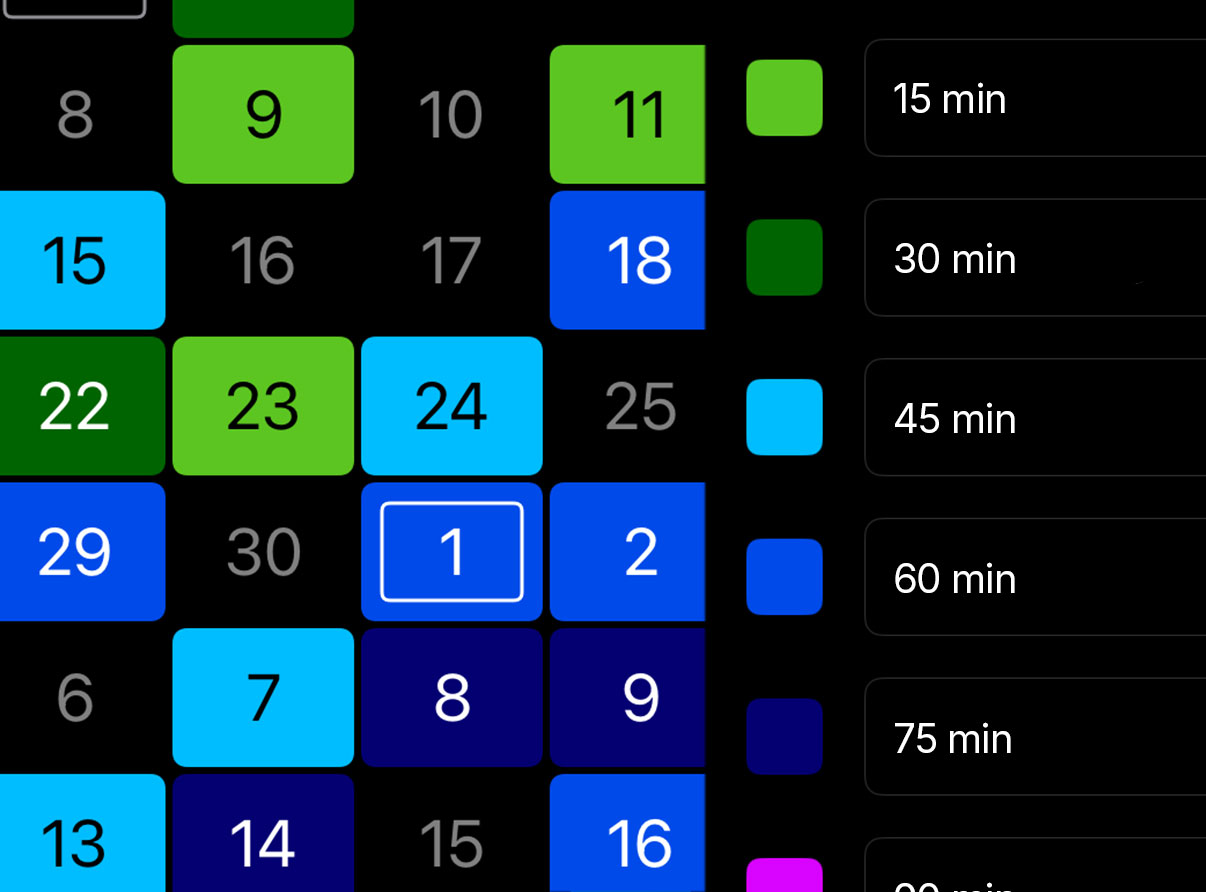
Whether a language, an instrument, a school subject or a new skill, record how regularly you practise. Colors show at a glance how much you really did, from small sessions to focused learning moments.
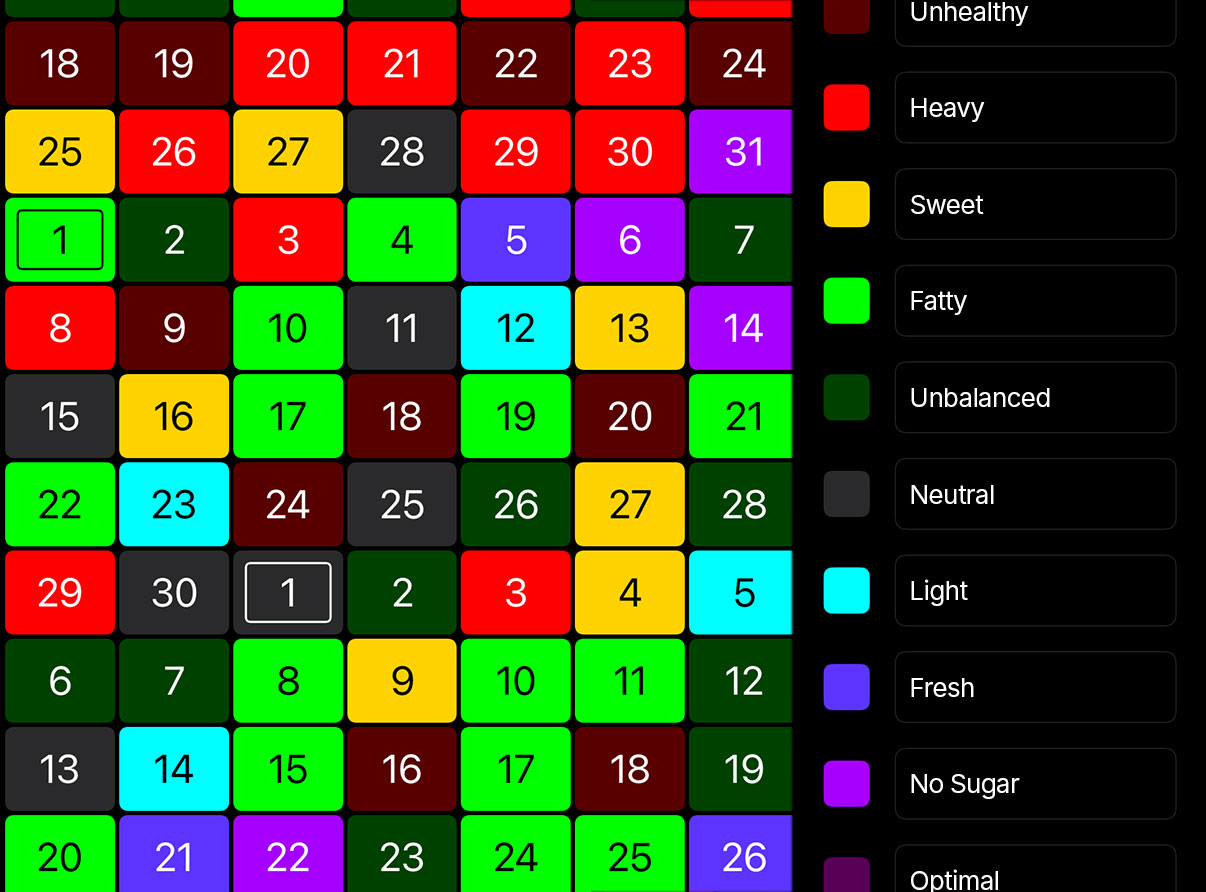
Record how consciously you ate and which choices did you good. Maybe it was a fresh meal, a healthy snack or a day without sugar. Colors show every small step. You see what gives you strength and how you build a healthy routine day by day.
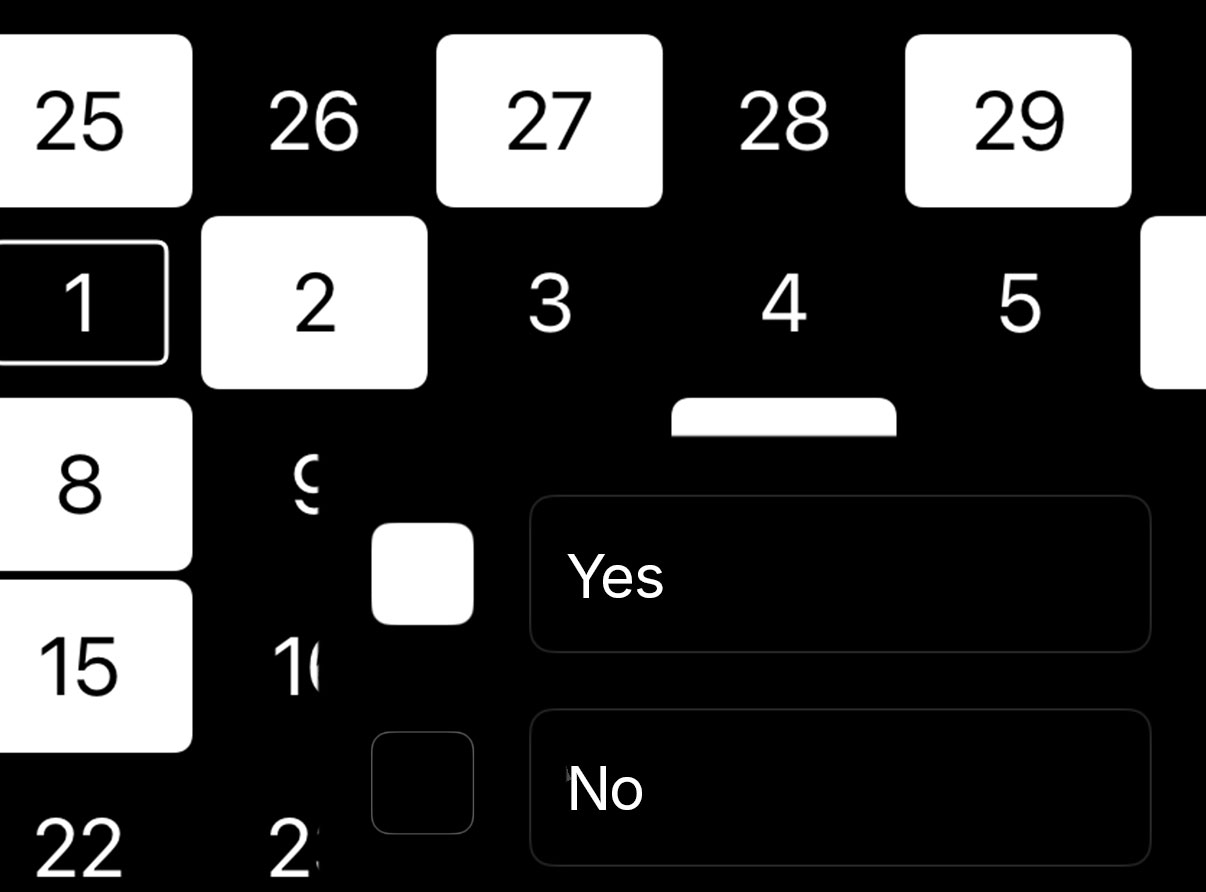
Simply yes or no. For example "Did I work out". White means yes, black means no. You decide when you achieved something.
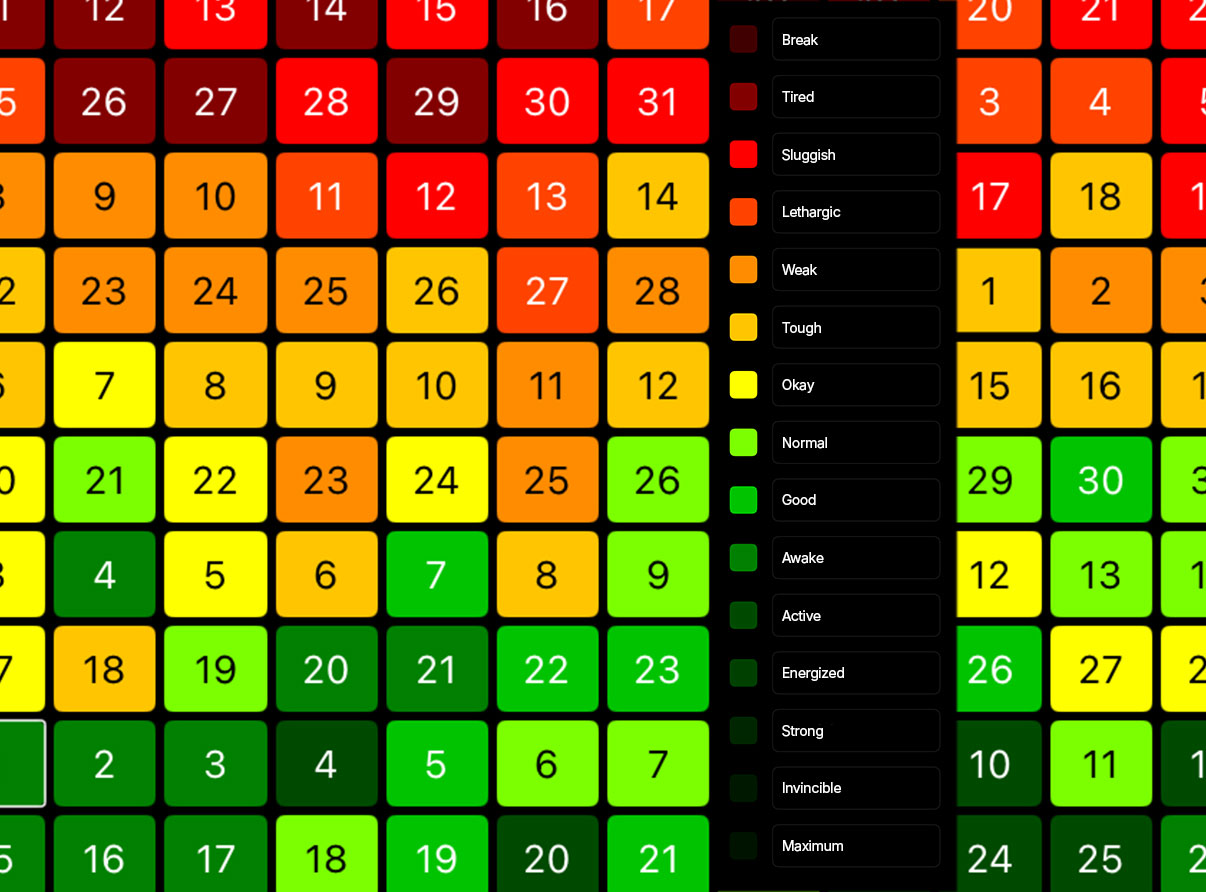
Up to fifteen color levels. For example "How good was it". From red for tired to green for fit. You decide what the colors mean.
Experience clarity, structure, and motivation in color. CREATE7 is an intuitive visual calendar that makes your goals, progress, and achievements visible – in the colors of your choice. Minimalist in design, easy to use, and beautifully inspiring.
SIMPLE. INTUITIVE. MOTIVATING.
Achievements no longer exist only in your mind. You make them visible, give them form, and keep working on them. This motivates you, you stick with it, and you reach your next goal. You don't just see that you're on your way – you recognize that you're actually following through with your plans.
This is how progress becomes tangible. Continuity, patterns, and breaks become noticeable at a glance and truly tangible.
CREATE7 shows three months at once – over 90 days full of possibilities. In landscape, you can seamlessly switch to the one-month view for details and precise planning.
YOUR GOALS, MADE VISIBLE
CREATE7 transforms your daily life into a colorful picture of your development. Each day can be a small success or show you where you want to improve. Over time, your personal mosaic emerges – your visual calendar.
Everything you need for your perfect mindset!
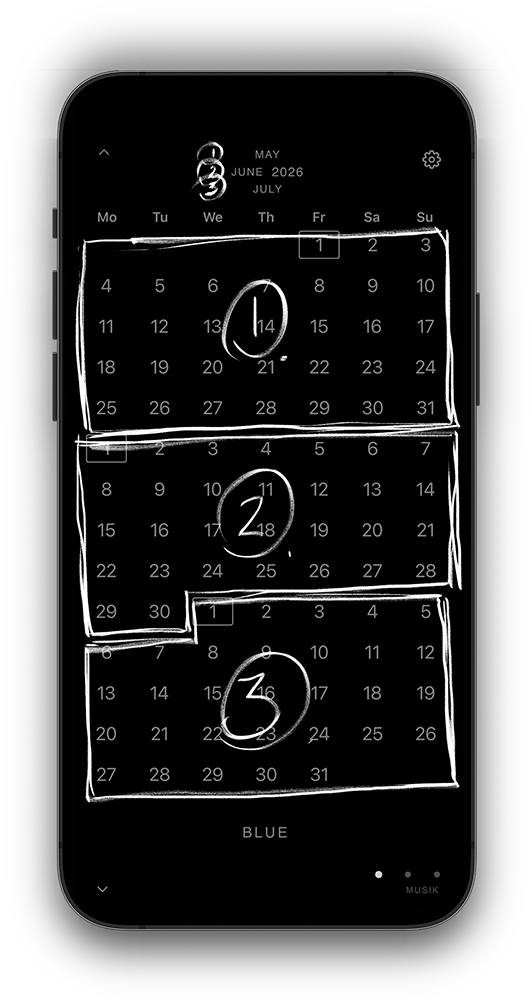
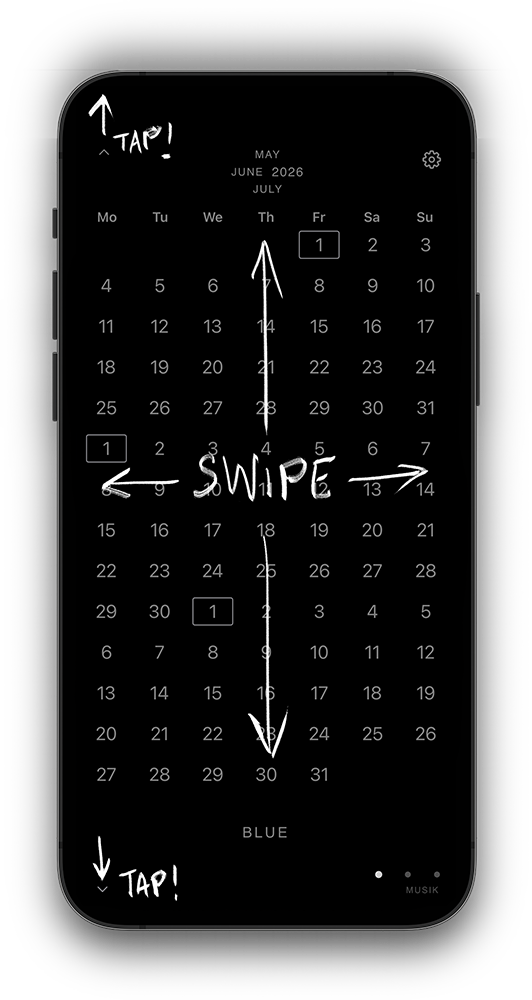
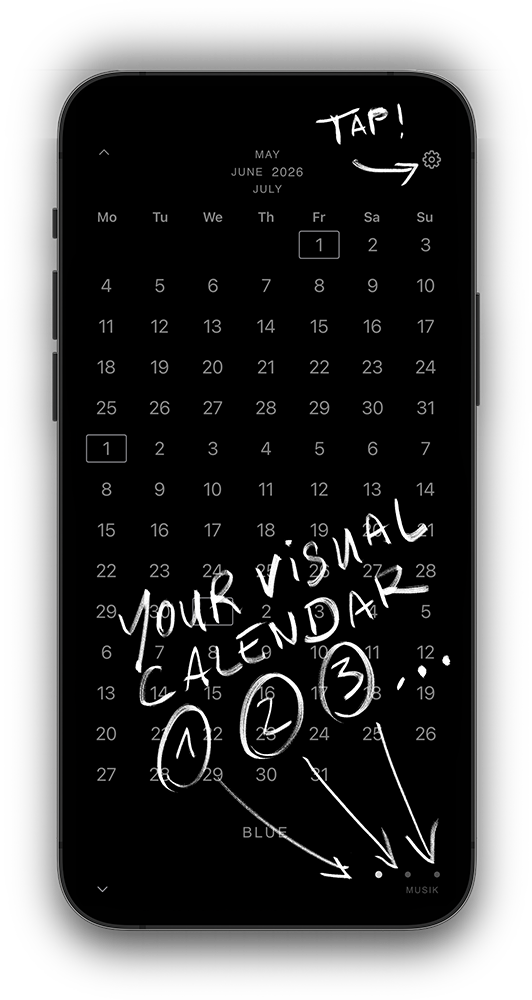
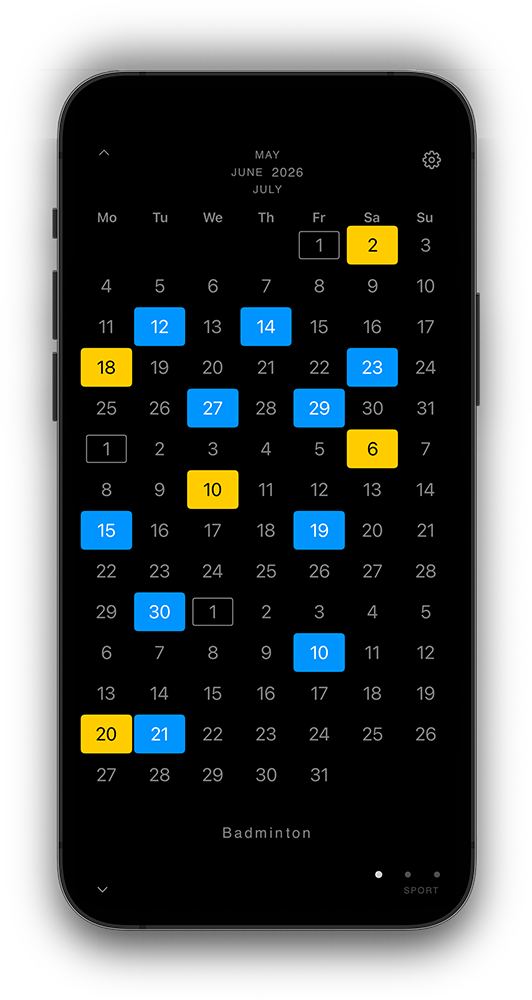
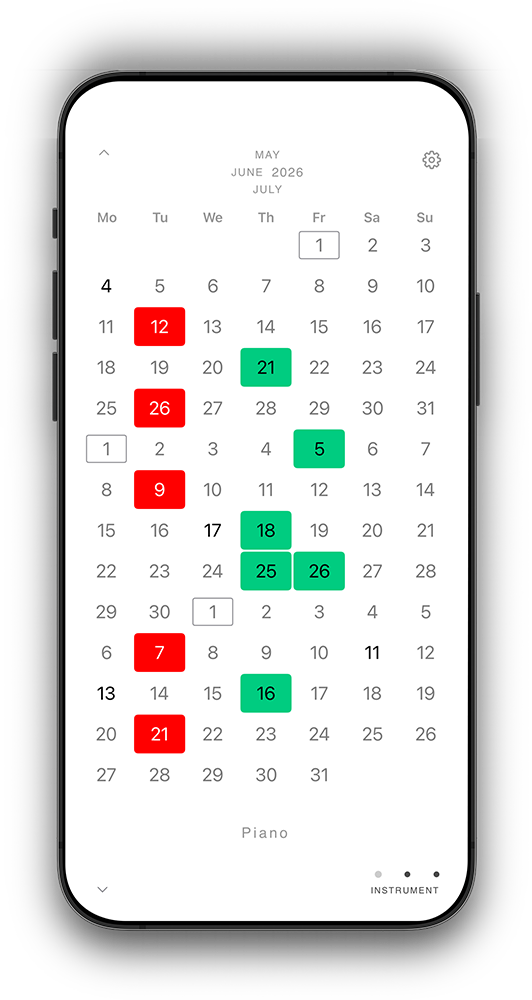
Create up to twelve calendars, each with its own color.
Every calendar gets its own name.
The dots at the bottom right show you how many calendars exist, which one is currently active (white dot) and what the current calendar is called.
In the settings you can change the name or adjust the order.
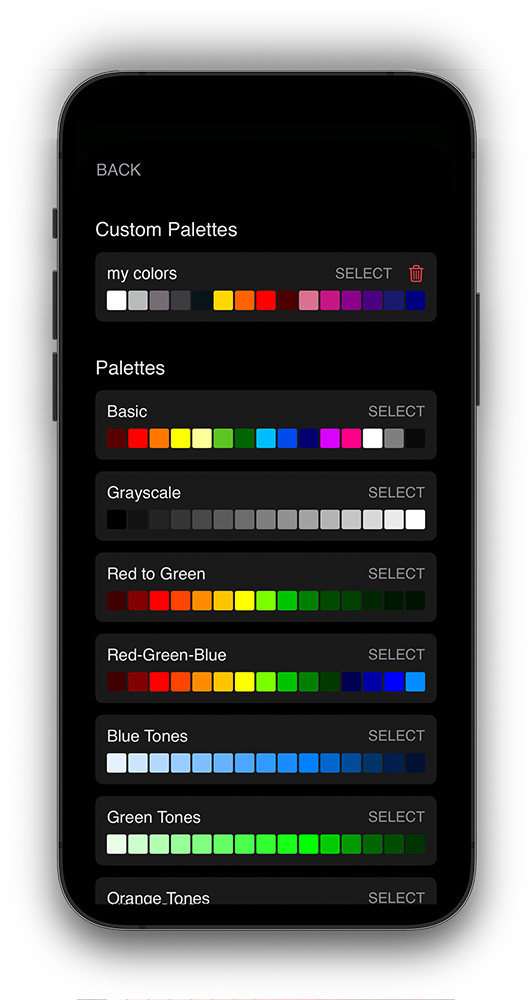
Use flexible color palettes for each calendar or for all of them together.
Choose from more than thirty predefined colors or create your own tones with the Red Green Blue sliders. You have more than sixty million colors available.
A single tap assigns a color to the day.
A double tap opens your fifteen colors, which you can name.
A long press on a color lets you create your own shade. This works only with individual colors.

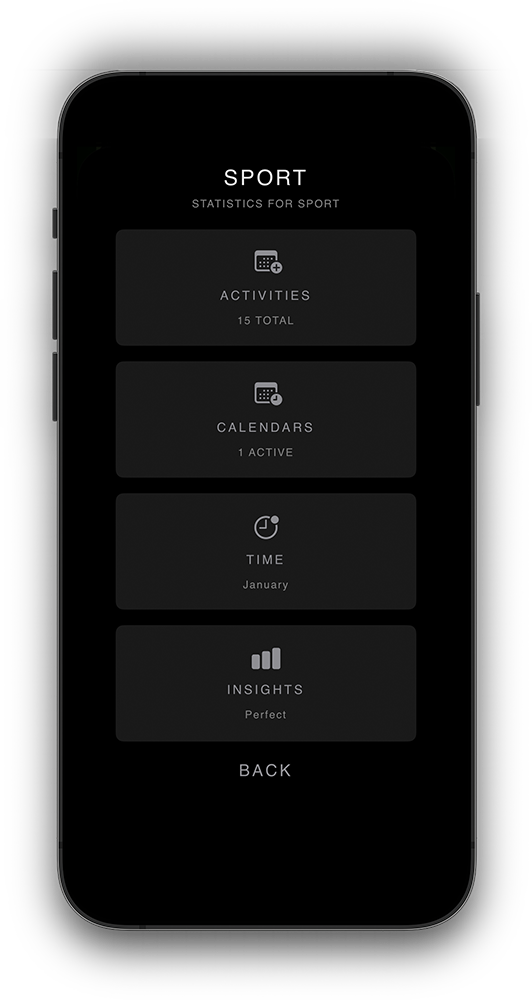
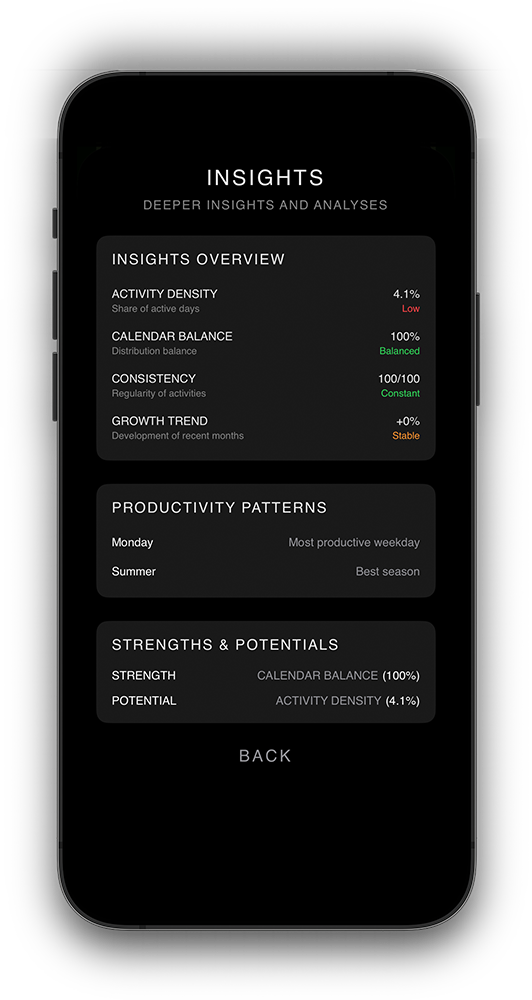
Comprehensive analysis of your calendar activities
Get insights into your appointment distribution with clear charts and numbers for all calendars or individual areas.
Time analysis shows you how much time you spend on different activities and helps optimize your daily routine.
Available in German, English, French, Spanish, Portuguese
Complete localization of all menus, buttons and texts in five languages with native translations by native speakers.
Automatic language detection based on your system settings or manual selection in app settings.
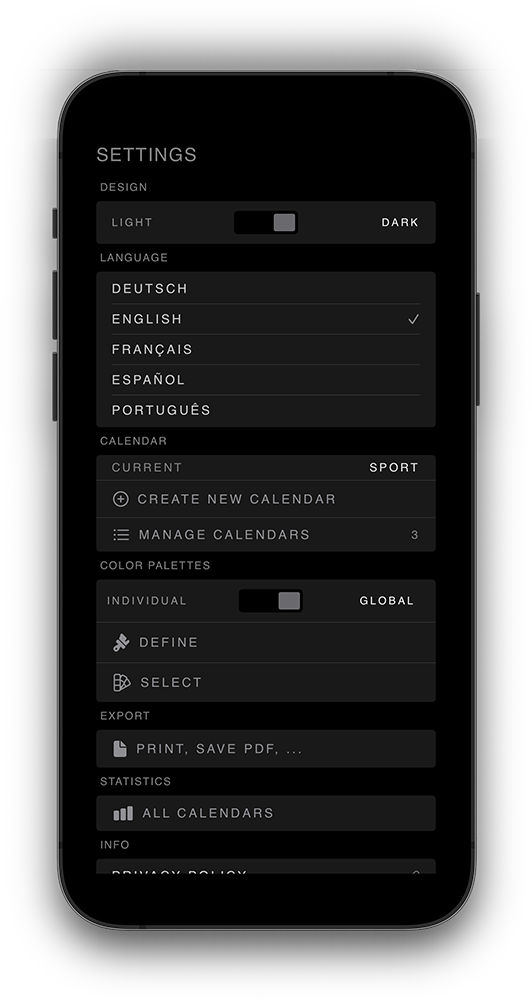
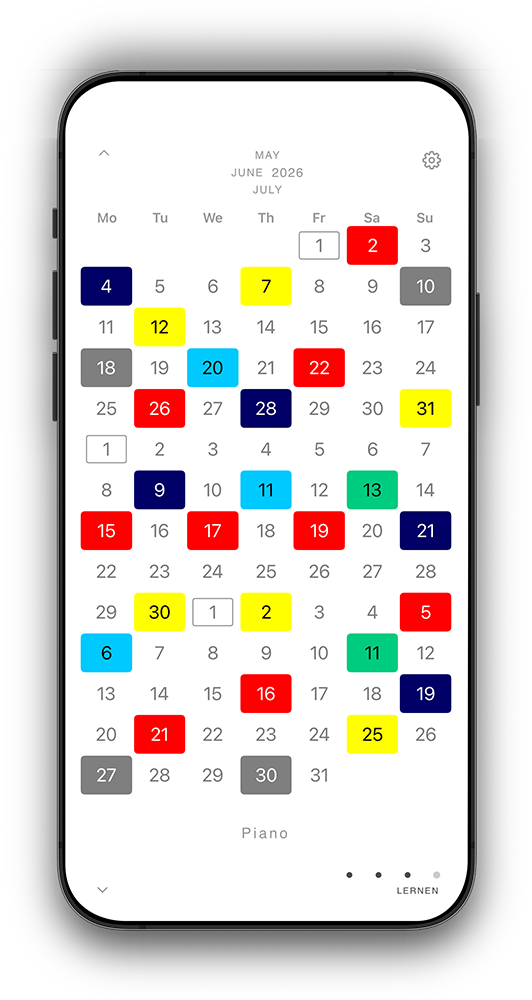
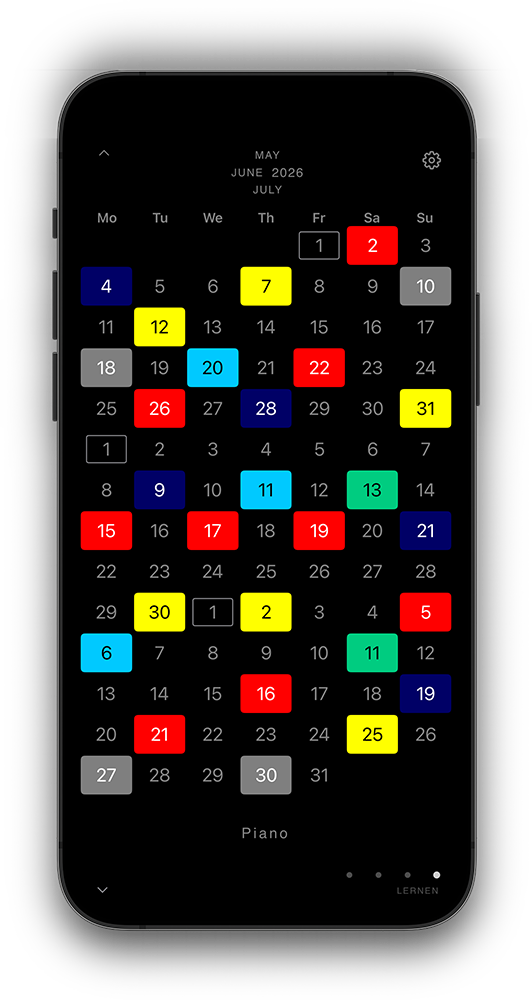
Modern user interface with light/dark mode
Minimalist and clean interface design follows the latest iOS Design Guidelines for intuitive operation.
Automatic light/dark mode adapts to your system settings or can be controlled manually.
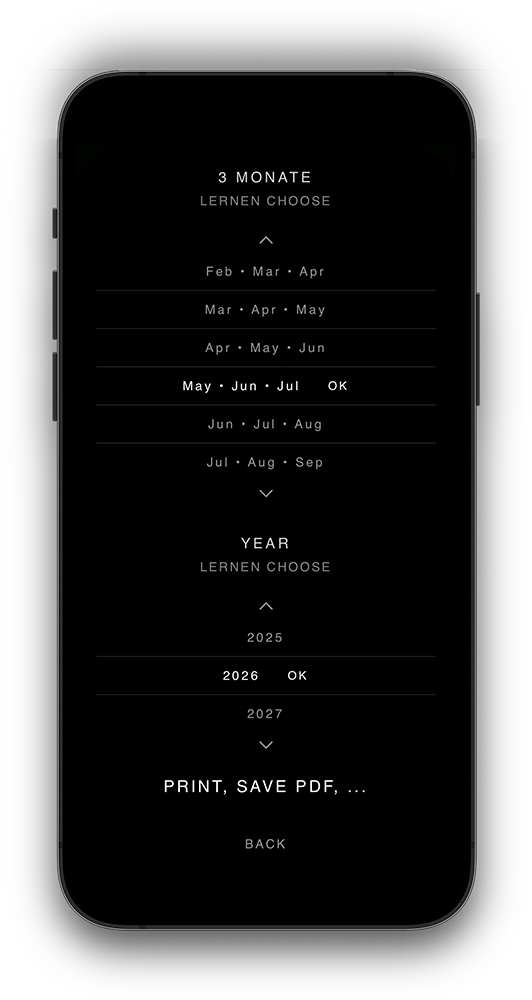
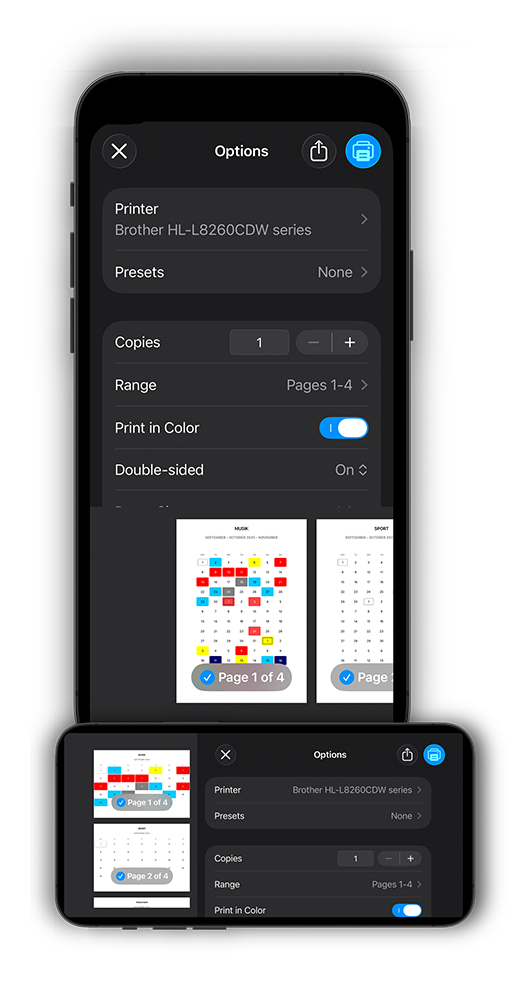
Export your calendars as professional PDF documents
Flexibly choose between different time periods, layouts and formatting options for perfect printing or digital sharing.
High-resolution PDF generation with precise typography and color accuracy for professional presentations and reports.
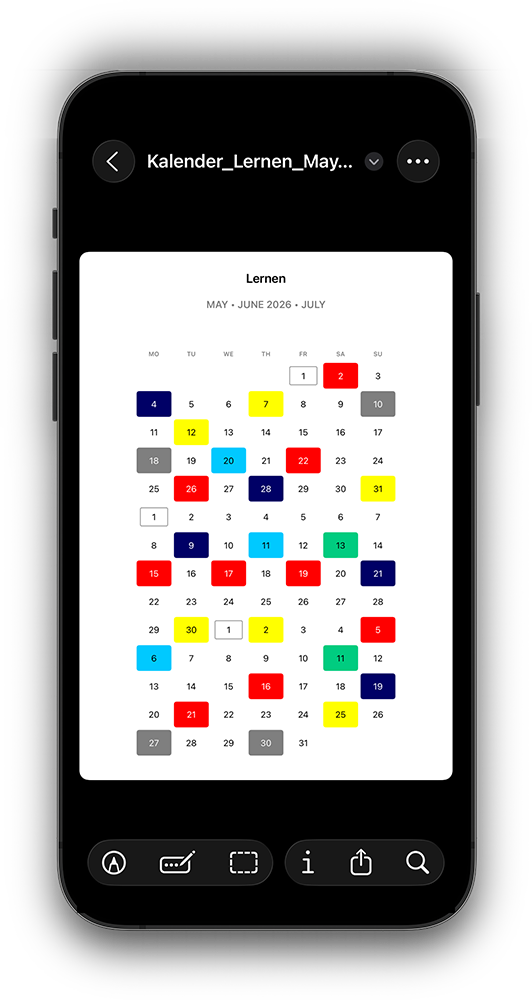
Print your three-month overview in portrait or your one-month overview in landscape format
Pin it to the wall, fridge or show it to someone. Celebrate your success as you see how often you achieved what you wanted.
Optimized print layouts ensure perfect readability on paper with adjusted font sizes and contrasts for every printer situation.

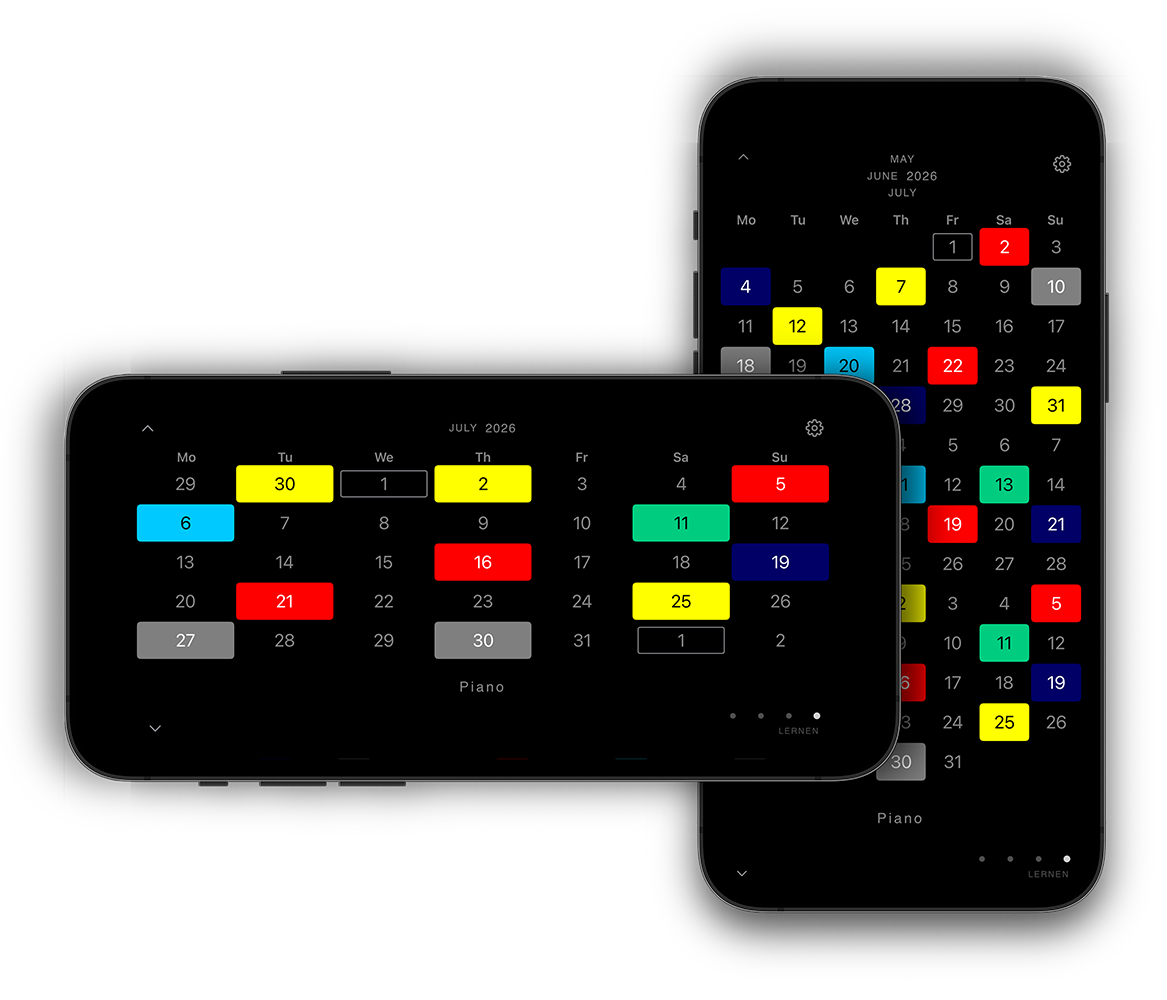
On your mobile, see three months at a glance in portrait and mark important days with color.
Rotate to landscape and CREATE7 switches to the one‑month view for maximum clarity.
Keep your goals in sight: broader overview in portrait, precise focus in landscape — one rotation is all it takes.
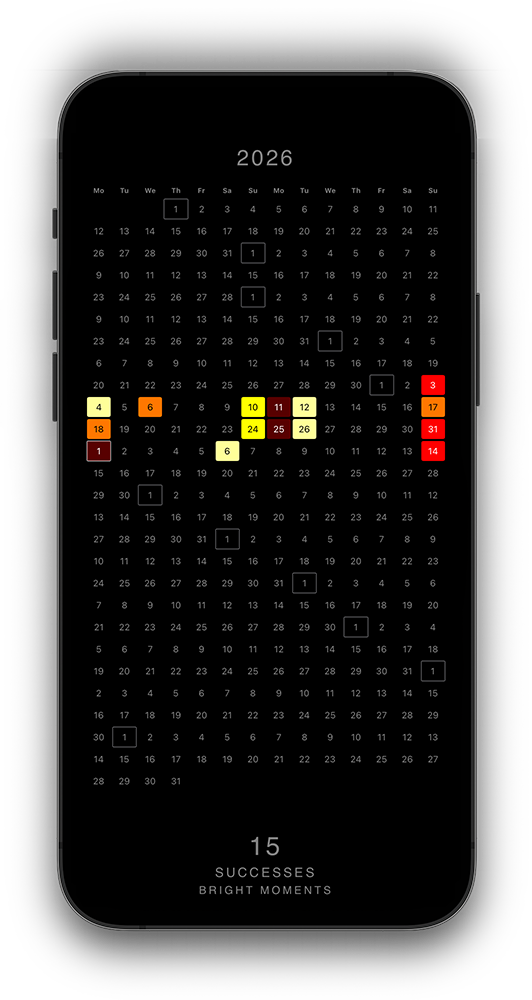
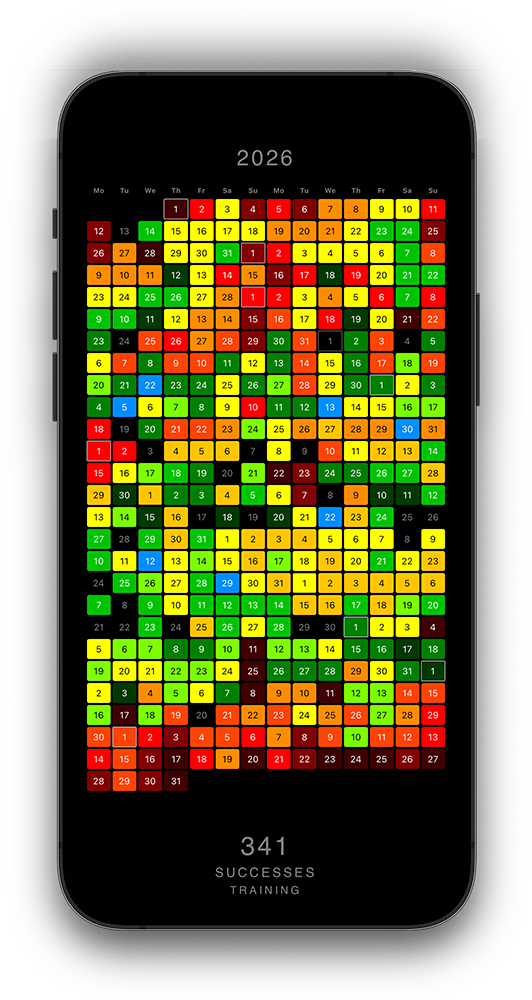
With a single tap on the three months at the top center, you open the year view.
There you can see all your achievements of an entire year at a glance.
You can also swipe vertically and horizontally here.
You can of course save or print the whole year as well.
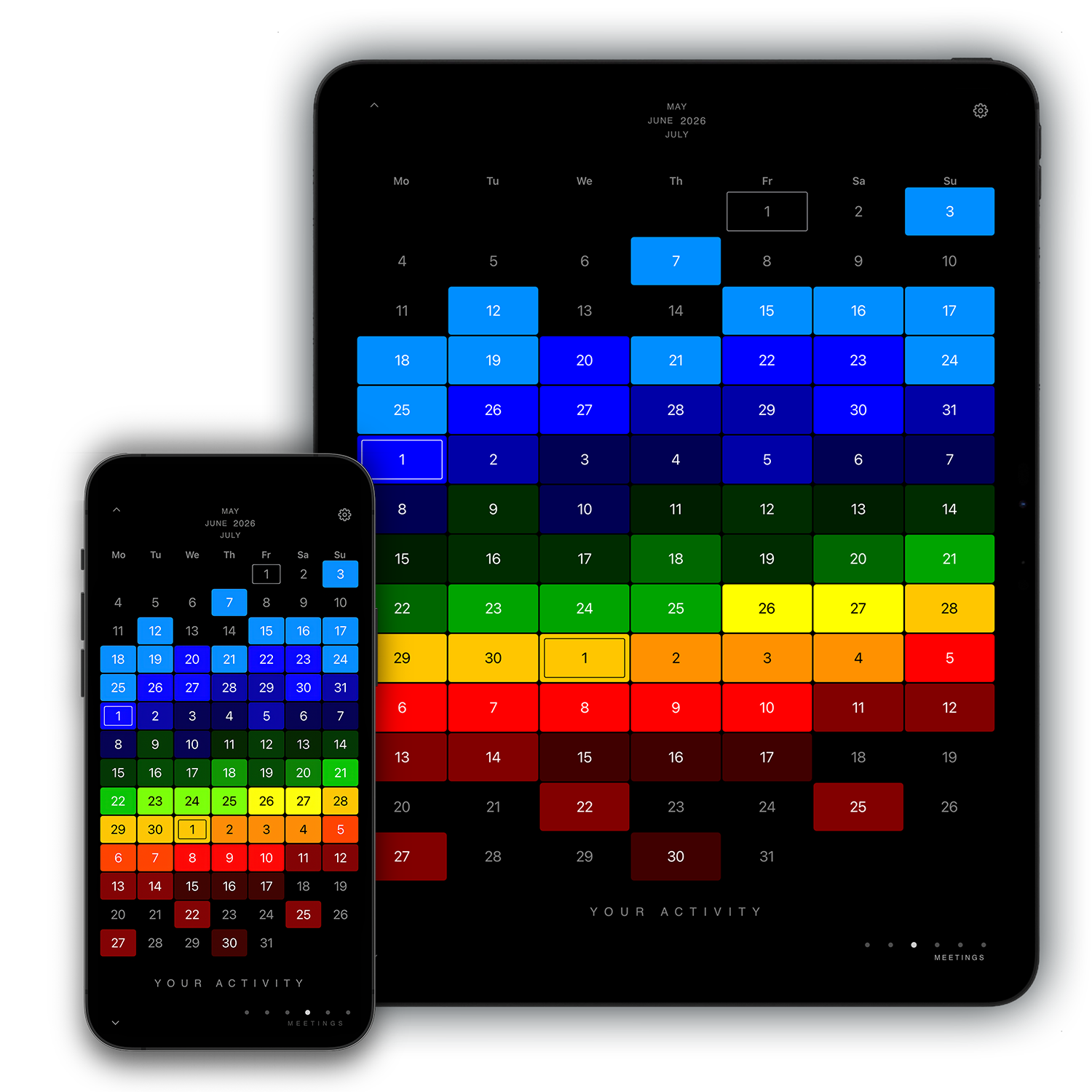
You can also use the app on your iPad and sync all data with your iPhone. Tap sync now or activate automatic synchronisation.
Under Backup you can additionally save your data manually as a .json file and share it with others. Simply export and import.
Learn the app step by step
Setup and basic navigation
Create and manage new calendars
Statistics, export and customizations
Create individual color palettes
Sync data between devices
Discover hidden features
Answers to the most important questions about the Calendar App
Yes, the Calendar App supports unlimited calendars. You can create separate calendars for work, personal, sports or other areas and customize them individually. Each calendar can have its own colors and settings.
All your calendar data is securely stored in iCloud and automatically synchronized between your Apple devices. So you always have your appointments available on iPhone, iPad and Mac.
Yes, you can export your calendars in high quality as PDF. Choose the desired time period, calendar and layout. Perfect for printouts or sharing with others.
Absolutely! You can print your three-month overview in portrait format or your one-month overview in landscape format. Pin it to the wall or refrigerator and celebrate your success - you see in black and white how often you achieved what you wanted!
Yes! You have over 20 predefined colors to choose from or you can create your own custom shades with the integrated color picker. Each calendar can have its individual color.
Definitely! You can define global color schemes for consistent appearance across all your calendars. Or you can choose individual colors for each calendar - however you prefer.
You can create unlimited calendars! Whether for work, personal, sports, hobbies or projects - each calendar can have individual names, descriptions and colors and can be toggled on and off separately.
You get comprehensive insights: appointment distribution with charts, time analysis for different activities and optimization assistance for your daily routine. All statistics can be exported as PDF or shared directly.
Yes! The Calendar App works completely offline. All your appointments and data are available locally on your device. As soon as you're online again, changes are automatically synchronized with iCloud.
Absolutely! Your data is stored exclusively in your personal iCloud and is only accessible to you. The app collects no personal data and shares nothing with third parties.